
Setup
Windows 11 Setup for Genshin Hacks
Most “it does not open” tickets are Defender, not a dead key. Follow this order once.
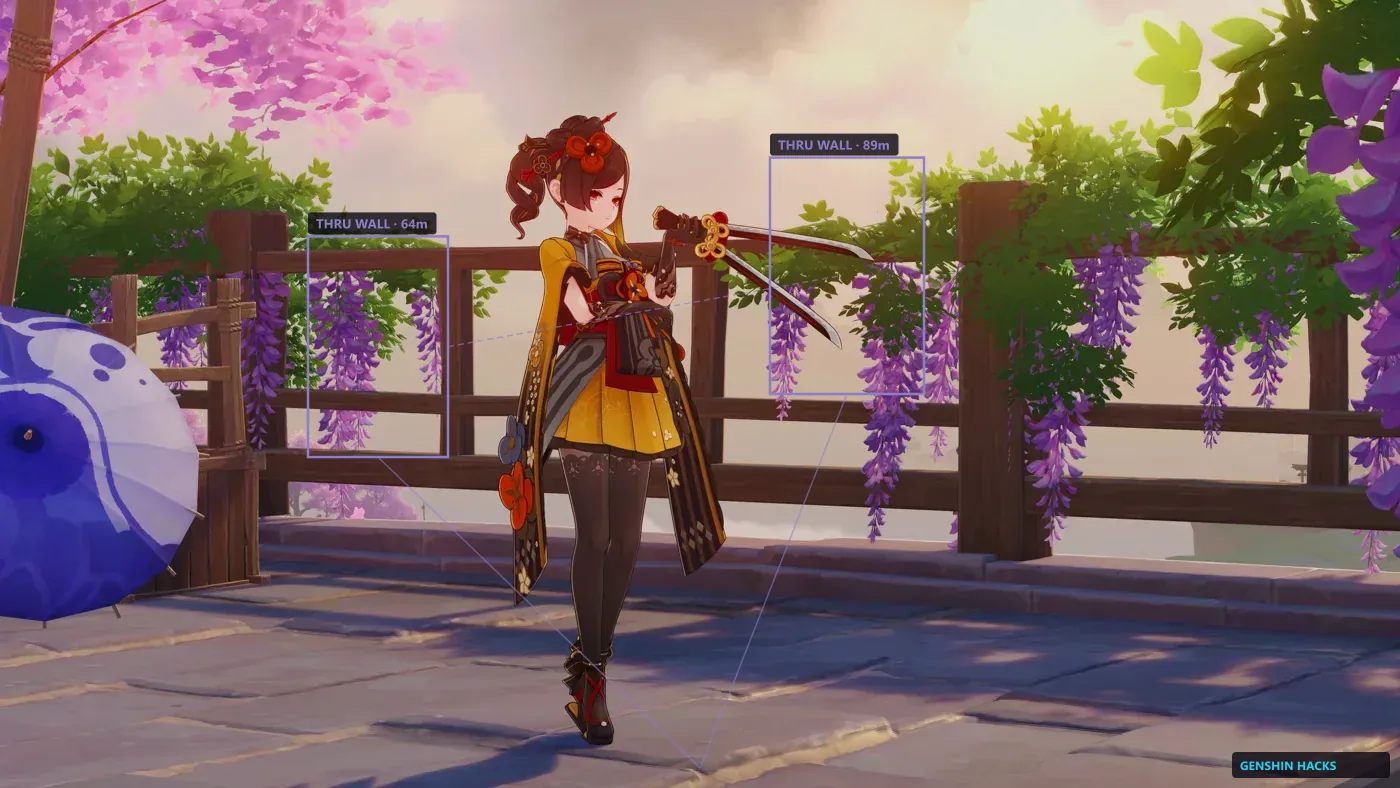
Launch order
Loader first. Select GenshinImpact.exe — not the launcher. Wait for the title screen. Then open the menu. Same pattern as every working Genshin trainer thread, minus the malware ads.
Defender
If the file vanishes, restore it and add an exclusion for that folder only. Then email support@genshinhacks.com with your order ID if the key still fails.
After a patch
Do not launch an old build. Open Status. If we are rebuilding, wait. That single habit is why status pages convert.